PRODUCT CATEGORY
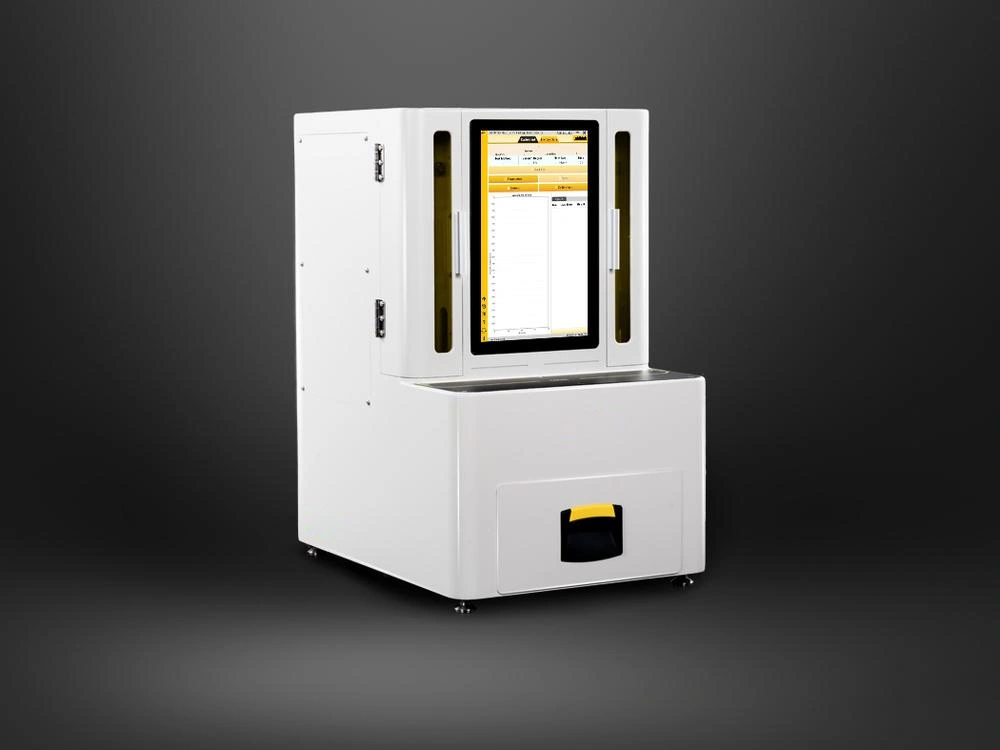
Android Panel PC
Build Android-based touch terminals for equipment control, kiosks and operator data entry. Match the Android version, app requirements and peripheral drivers to the selected ARM platform.
View Category
Build your HMI, machine control or production terminal around the right display, computing platform and I/O. SINSMART offers Windows, Linux and Android panel PC options with project-based configuration and OEM/ODM support.
PANEL PC CATEGORIES
Compare computing platforms, operating systems and touch options to match your software, installation space and operating environment.
INDUSTRIAL APPLICATIONS
Explore application requirements for operator control, production monitoring and equipment integration. Match the platform, interfaces and mounting to the task.
Active solution
Give operators access to machine status, control screens and production information. Match the OS, display, interfaces and mounting to the equipment.

Active solution
Bring production dashboards, equipment status and operator input to the shop floor. Select the platform and connections around your automation software and network.

Active solution
Display inspection status, review images and access operator settings. Match computing capacity and connections to the vision software and external controller.

Active solution
Plan a fixed or vehicle-mounted terminal for inventory screens, task instructions and operator data entry. Review mounting, power and peripheral connections.

Active solution
Plan an operator interface for equipment settings and production information. Discuss touch operation, cleaning conditions, enclosure and integration requirements.

Active solution
Display production information and equipment status. Define the installation area and required protection or certification before choosing a model.


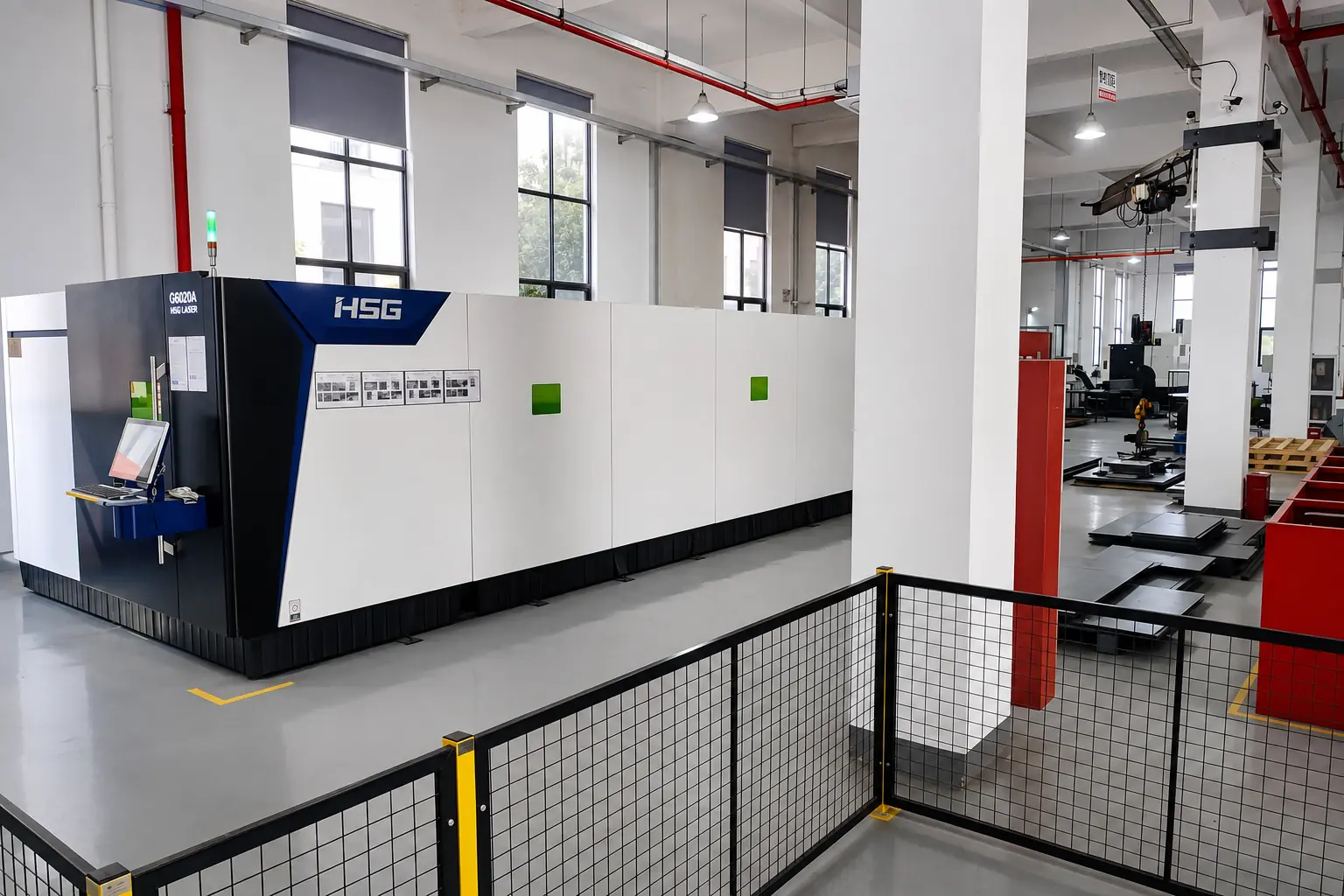
 Mechanical and enclosure engineering
OEM/ODM CUSTOMIZATION
Bring your software, mounting and interface requirements into one configuration.
Discuss processor, display, touch, memory, storage and enclosure options with SINSMART to find a practical fit for your project.
Choose an ARM or x86 platform and match processor, memory, storage and OS to your application.
Select screen size, brightness and touch options for the viewing distance, operator and environment.
Match LAN, serial and USB connections to your controller, peripherals and network.
Coordinate panel cutout, VESA mounting, rear clearance and connector access.
Discuss input voltage, operating temperature, cooling and front-panel protection.
Discuss OS pre-installation, drivers, system settings and repeat-order configuration.
Company profile
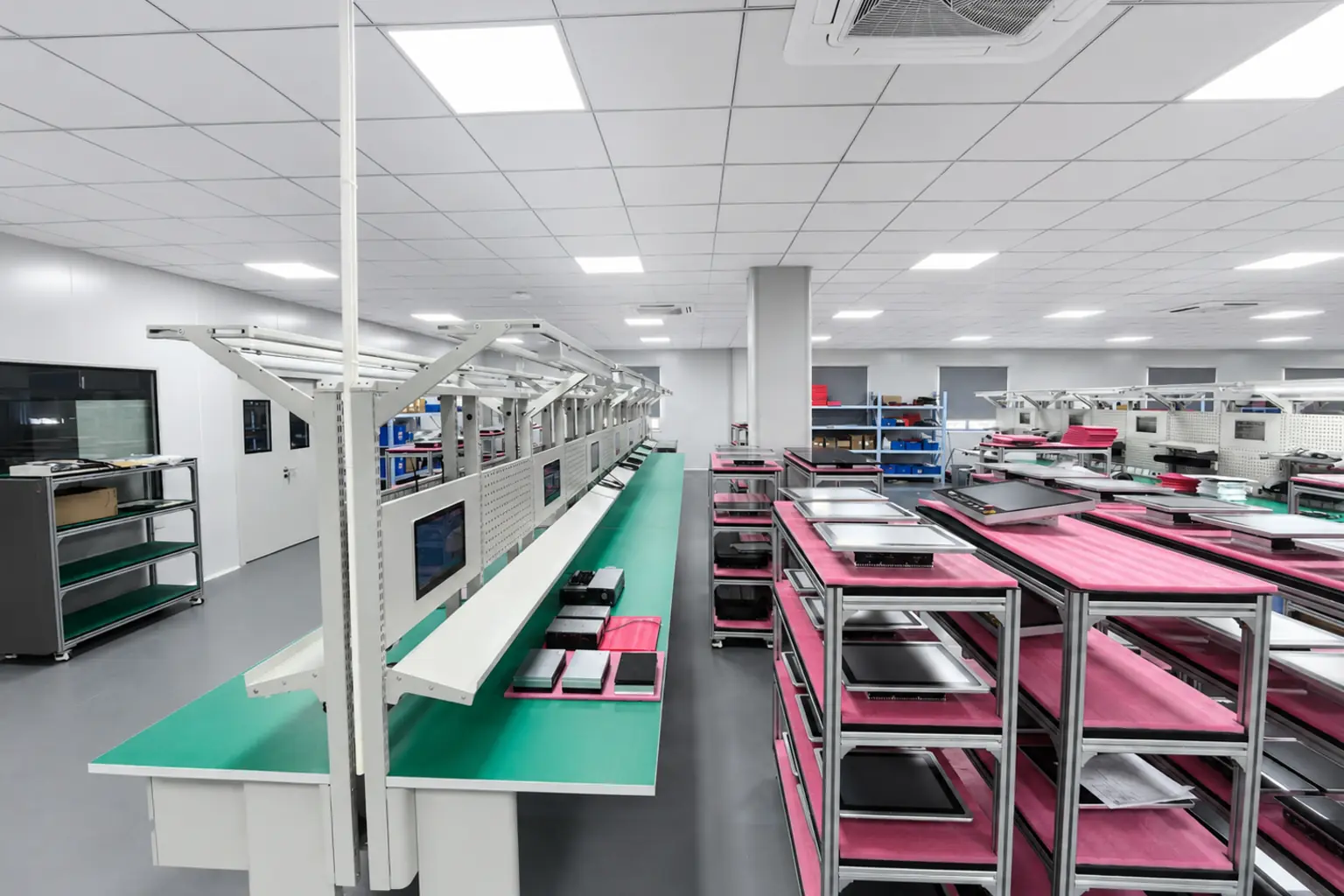
SINSMART is the overseas industrial computing brand of Dongtian Technology, founded in 2008. We support OEMs, system integrators and industrial users with panel PCs, configuration options and project-based technical support.
Talk to an Engineer2008
Company founded
Dongtian Technology has focused on industrial computing since 2008.
OEM/ODM
Customization support
Discuss interfaces, memory, storage, mounting and system settings for your equipment.
B2B
Industrial project focus
Support for equipment manufacturers, system integrators and industrial users.
Support
Selection to after-sales
Keep product selection, technical questions and service connected throughout the project.
The objective is a configuration that fits the equipment, can be validated before scale-up and arrives prepared for integration.
Ask an Engineer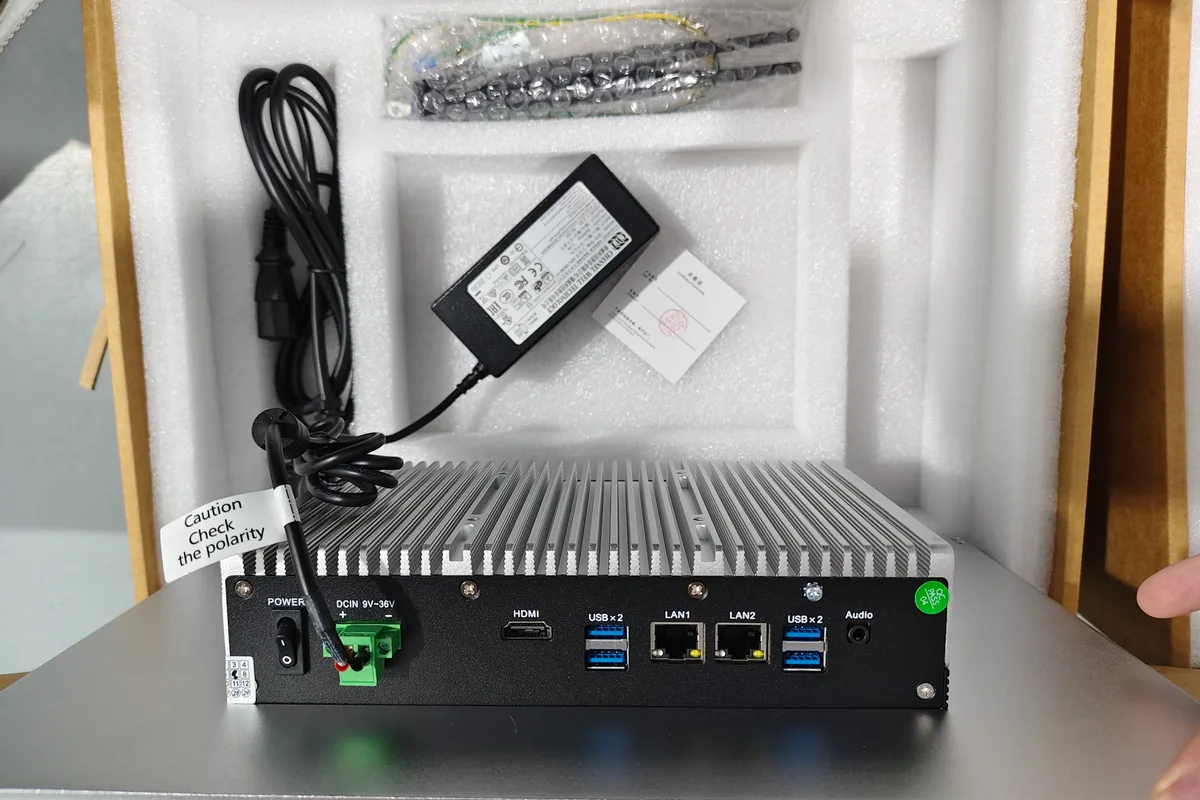
Configuration, interface and accessory review before delivery
Recommendations start with the machine, installation space, environment and software requirements.
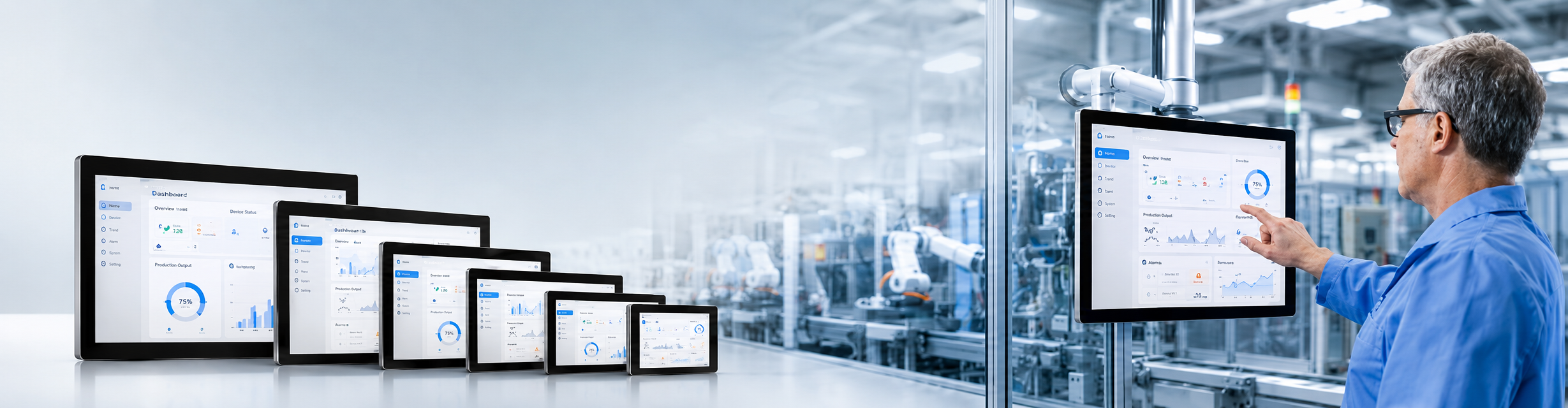
Multiple panel sizes and computing platforms support different control and visualization workloads.
Processor, memory, storage, interfaces, cutout, mounting and enclosure requirements can be evaluated together.
Projects can move through configuration review and sample evaluation before repeat production.
Display, touch, power, interfaces and system information can be checked against the confirmed project scope.
Datasheet review, configuration comparison and project-specific questions stay connected to the sourcing process.
Illustrative examples only. The comments, names and roles below are fictional and are not verified customer testimonials.
“The team helped us narrow down the options without making the discussion more complicated than it needed to be. We had a clearer configuration to review with our engineers.”
“We appreciated being able to check the mounting dimensions and connector positions early. It made the discussion with our mechanical team much easier.”
“The sample gave us a useful starting point for checking our software and peripherals. The configuration details were clear, so we knew what to focus on during evaluation.”
“Our questions were quite specific, especially around interfaces and the operating system. The replies stayed focused on those points, which we found helpful.”
“Before we confirmed the order, we went through the configuration and the details we wanted checked. Having that written down made the handover to our purchasing team straightforward.”
Ask for the certificates, test reports and technical documents relevant to the model and destination market you are evaluating.
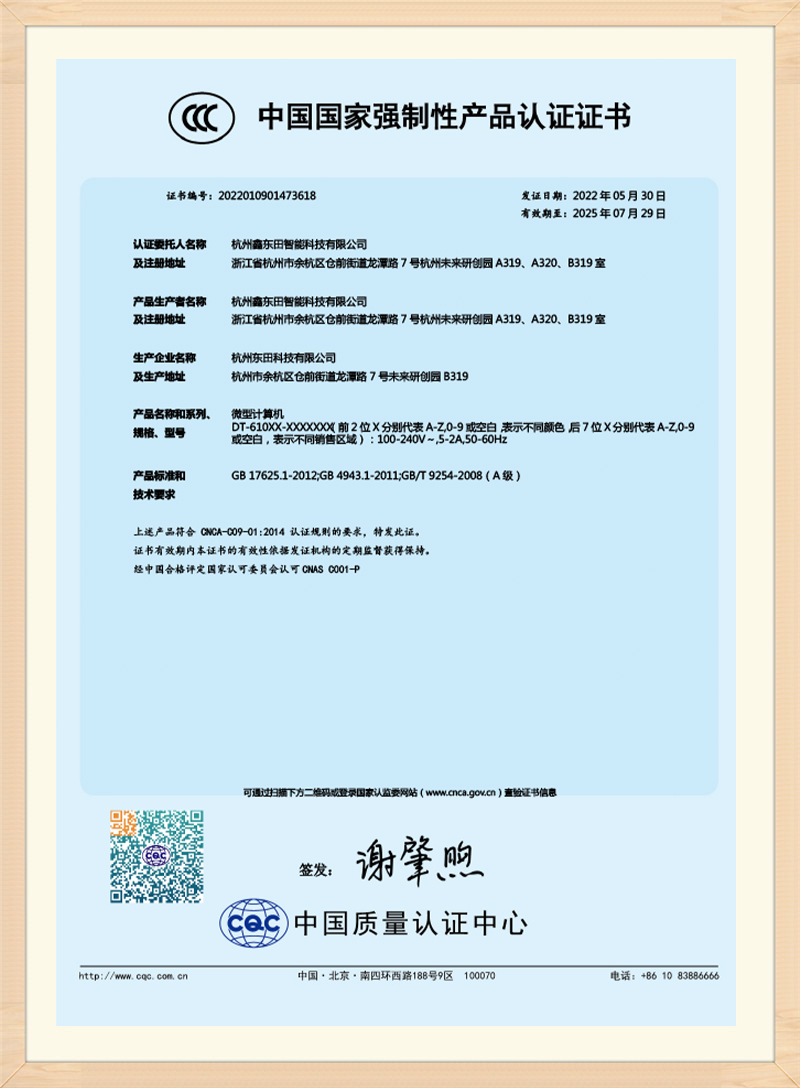
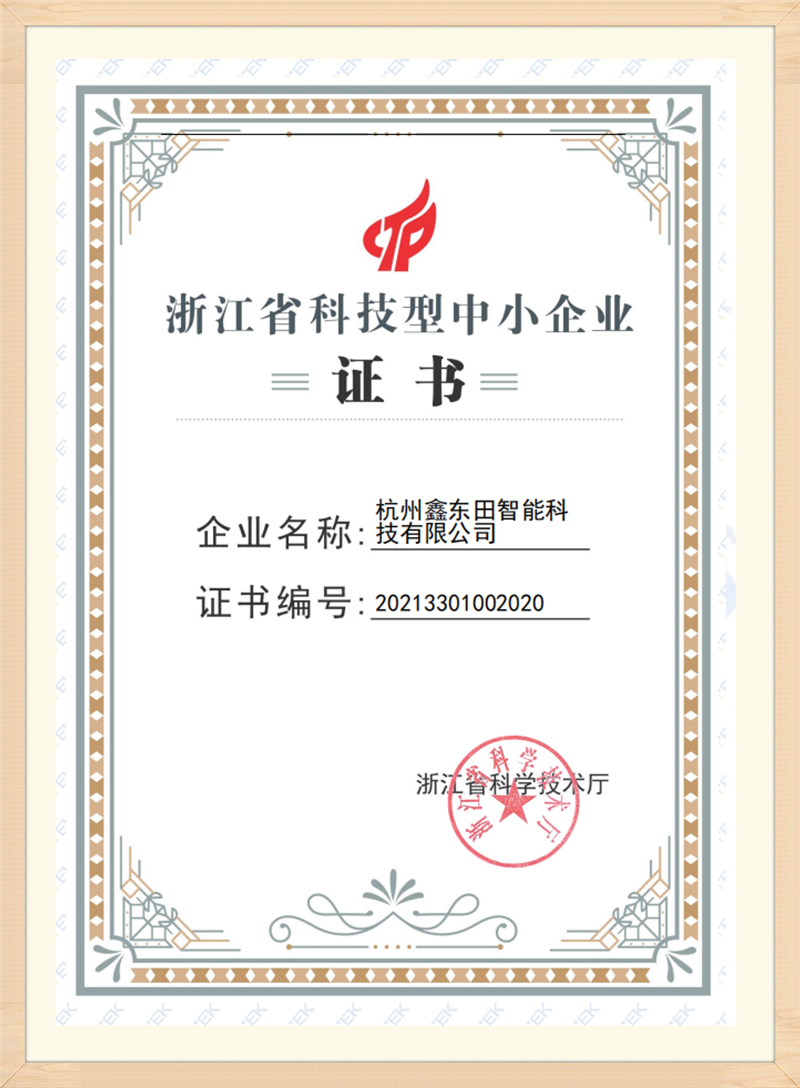
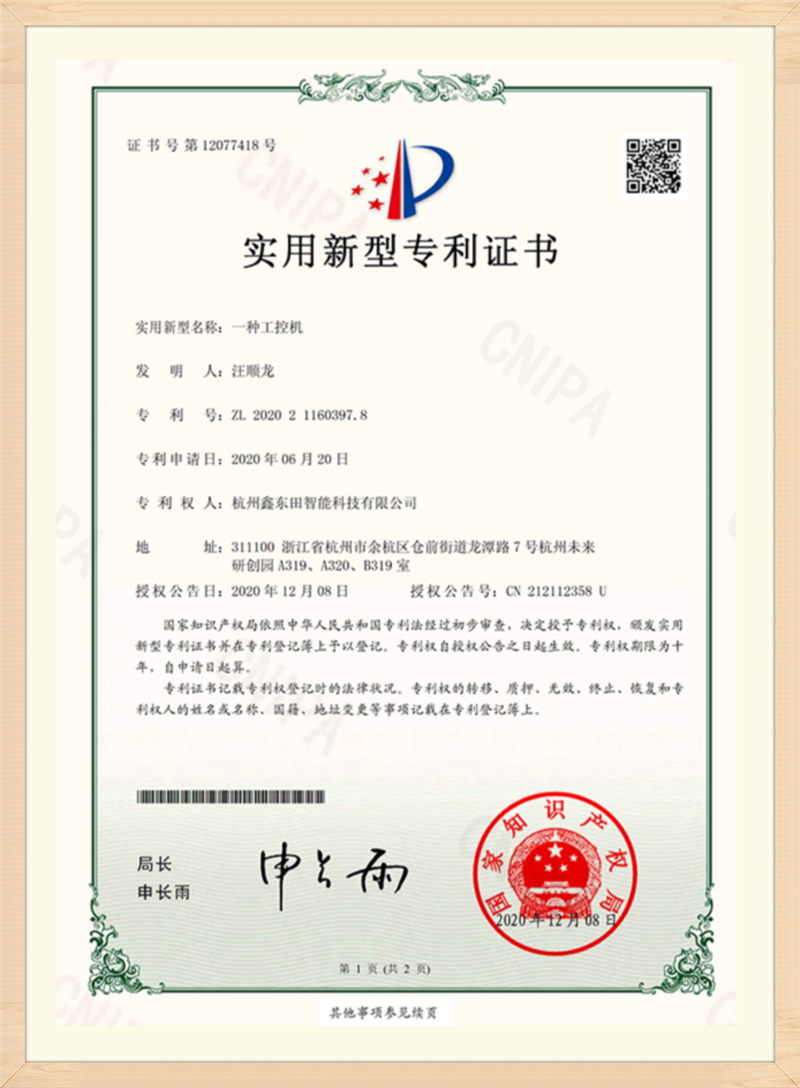
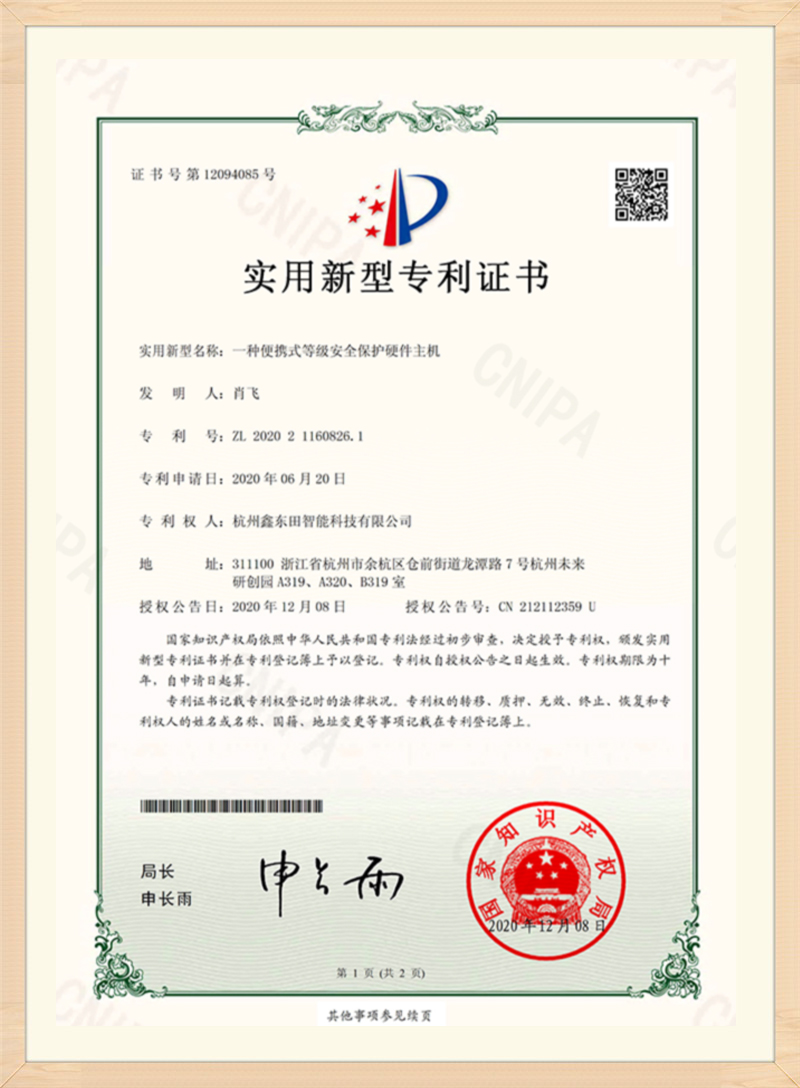
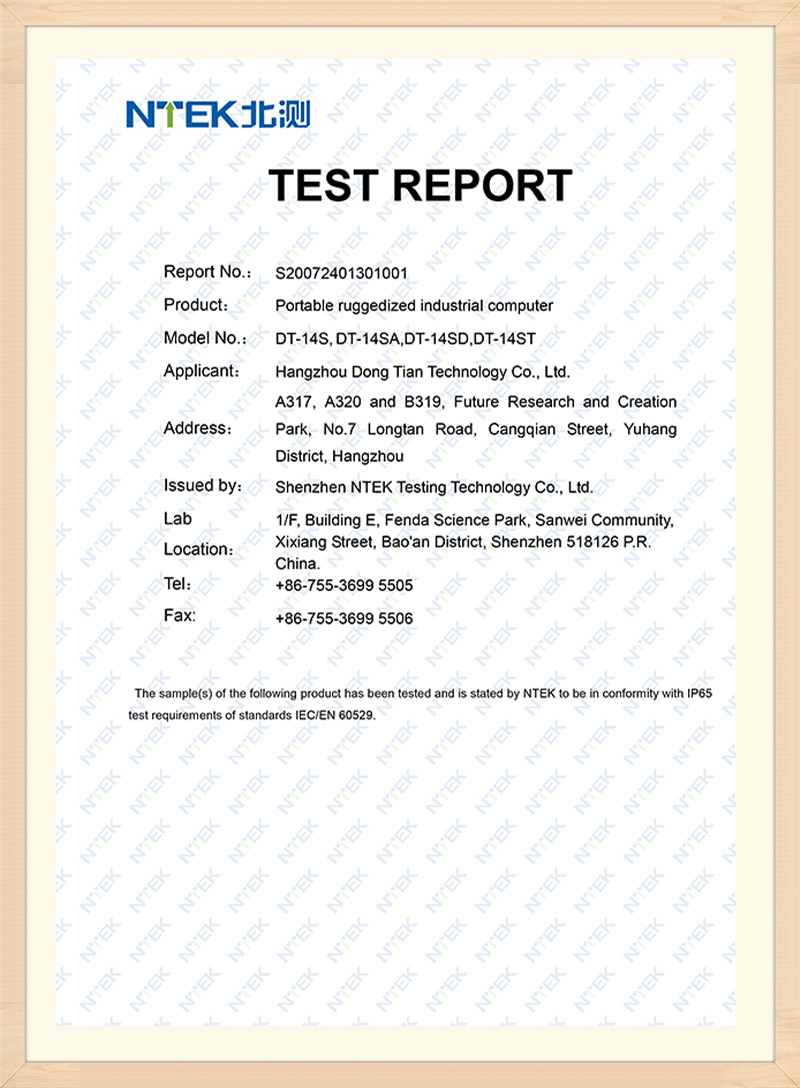
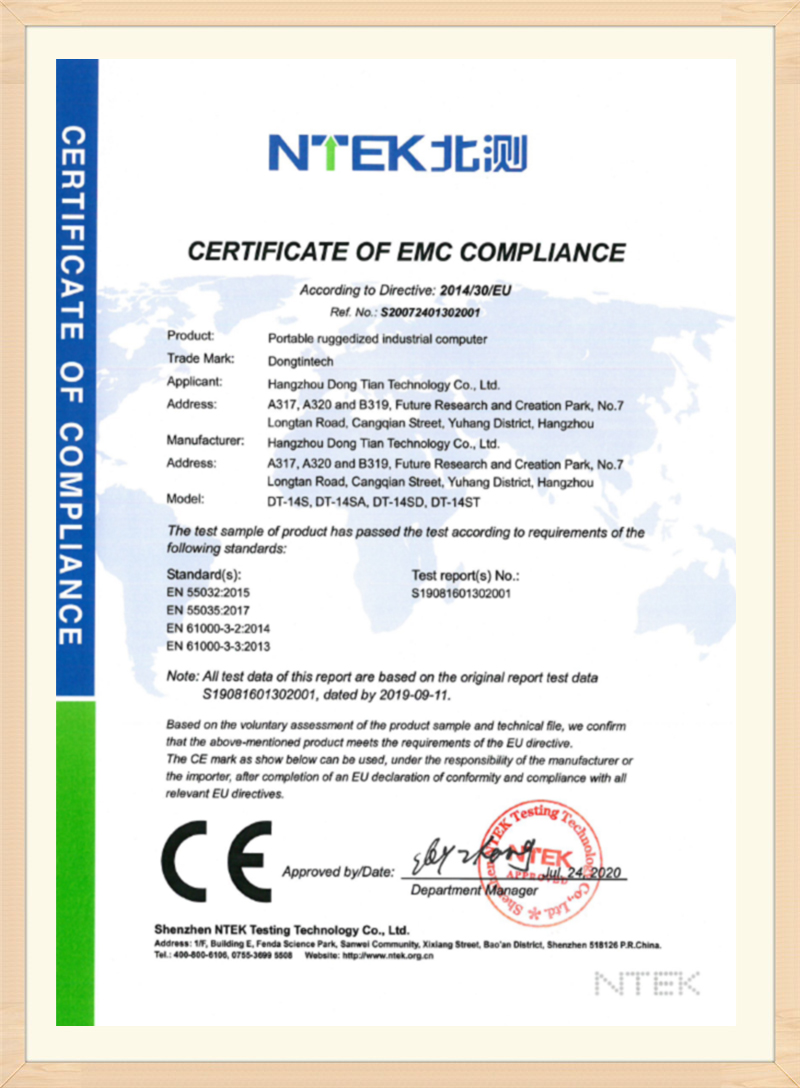










Share what you already know about the application, target configuration and quantity. Our team can help clarify the remaining selection details.
Explore existing SINSMART case records for equipment requirements, configuration choices and integration considerations.
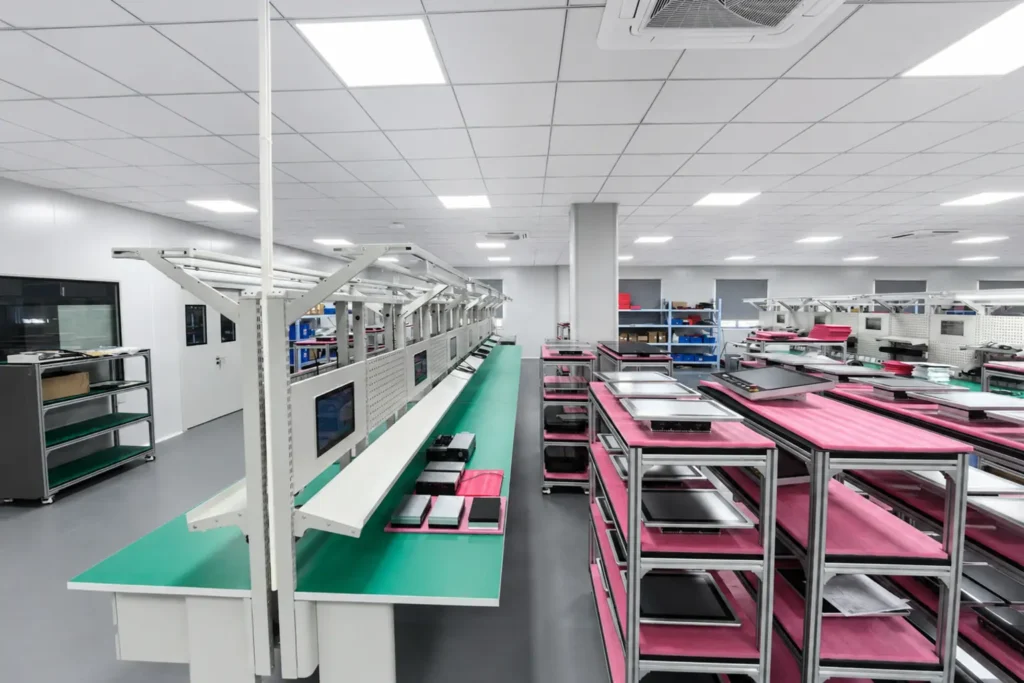
Read practical explanations of touch technology, platform choices and installation considerations before choosing a configuration.
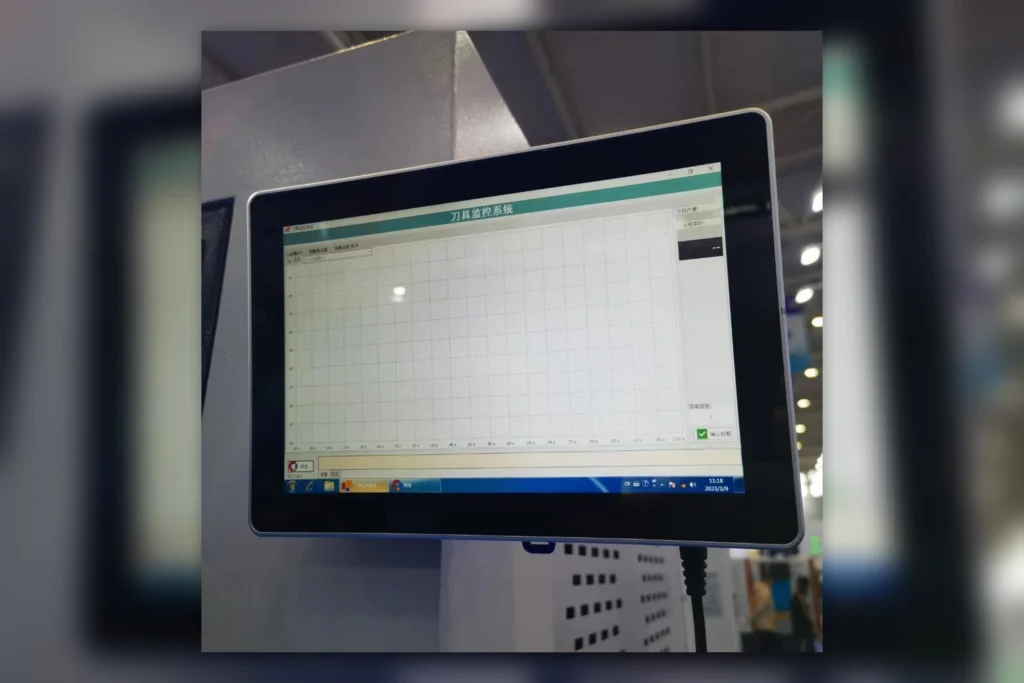
Choosing an industrial panel PC touchscreen is not simply a contest between capacitive and resistive technology. The correct…
Watch the available SINSMART videos for mounting steps, product handling and pre-delivery inspection details.
Share your application, software, installation and quantity requirements. We will use them to discuss suitable product and configuration options.