Opens in a new tab
Custom Industrial Panel PCs · Discuss Your Project

Android Panel PC Industrial Panel PCs

An Android industrial panel PC puts an Android computer and touch screen in one fixed unit. Choose it around your app, the devices it connects and the space in your equipment. The Android version alone is not enough to choose a model.

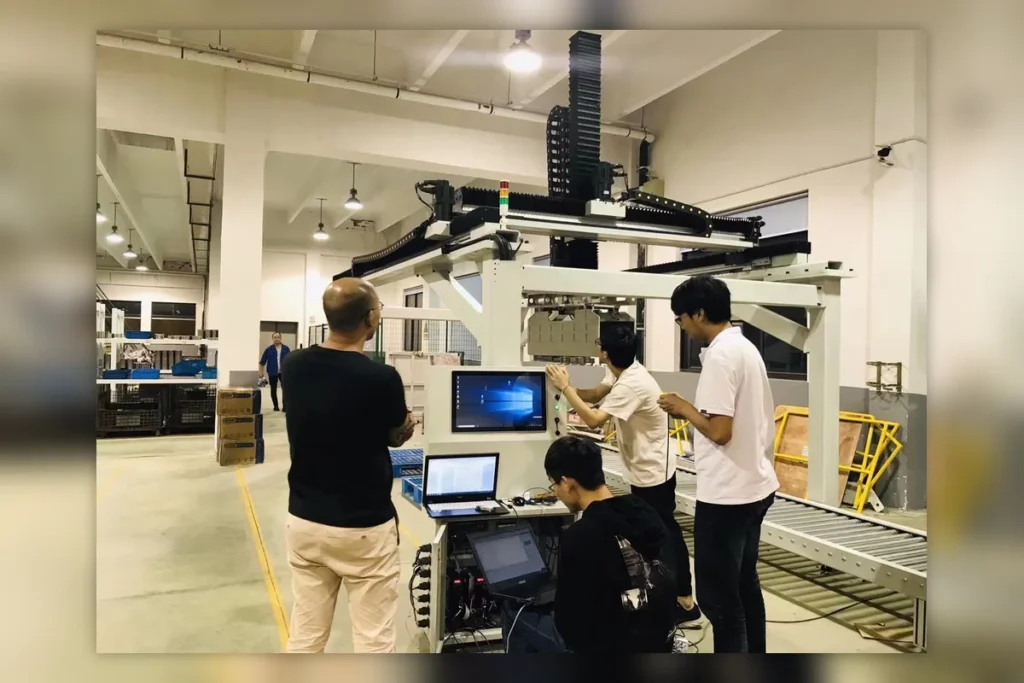
automation inspection equipment with industrial panel pc

Find the right model

Browse models in Android Panel PC and narrow the results using the filters.

Filters

CPU Platform
CPU Platform
Touch Screen
Touch Screen
Operating System
Operating System
Product Features
Product Features
View selected products in comparison →

Can't find the exact panel PC configuration you need?

For project requirements that go beyond the standard models shown above, discuss display, touch, I/O, CPU, mounting and other verified customization options with our team.

How to choose this category

  • Start with your app

    • Check the Android version your app needs.
    • Confirm software support for your scanner, reader or printer.

  • Choose RAM and storage

    • RAM (working memory): choose for apps running together.
    • Storage (saved files): allow space for the system, apps and records.
    • For the 10.1-inch examples, RK3568 supports up to 8GB RAM; RK3588 supports up to 32GB.

  • Check devices and power

    • Count USB, serial (equipment data) and network ports.
    • Match each device’s connector and software requirements.
    • Check the machine’s power supply against the chosen model.

  • Check screen and mounting

    • Make sure text and buttons are clear at your chosen screen size.
    • Check the panel opening, rear space and cable route.
    • Confirm protection for the front panel and rear connectors separately.

Discuss Your Requirements

Customer application examples

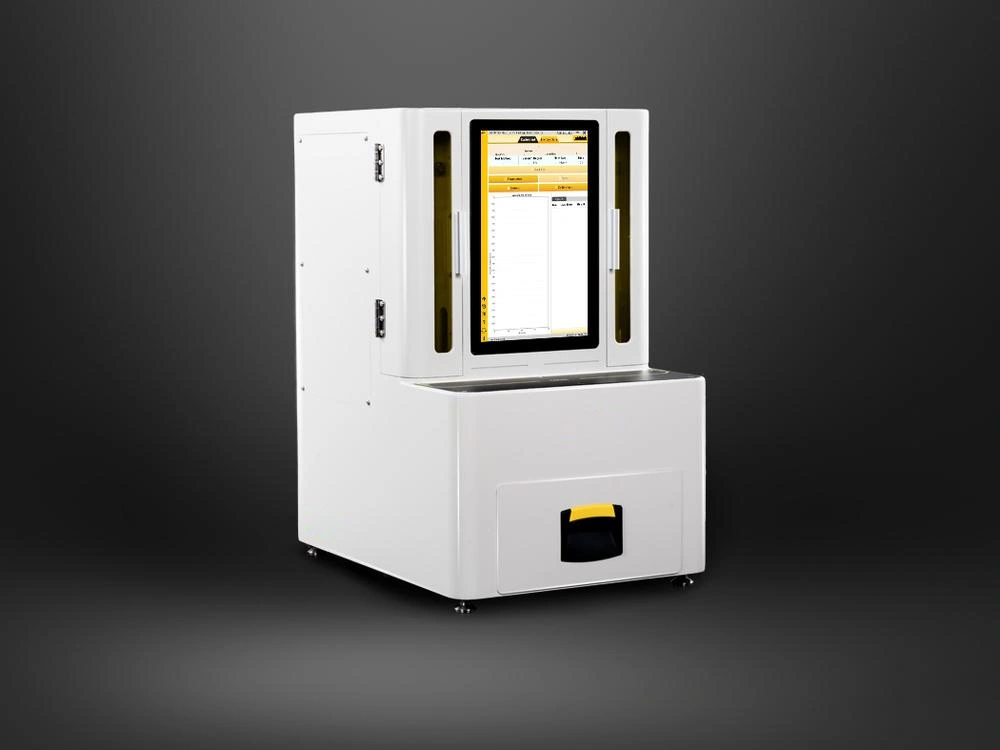
  • DTP-1569-1235U Six-View Drawing

    Enter production data

    App size, saved records and network connection The panel PC needs room to run the app and keep the files stored on it.
  • automation inspection equipment with industrial panel pc

    Build a self-service screen

    Reader, scanner or printer connections and cabinet space The screen, devices and cables must fit the same equipment.

Frequently Asked Questions

Both 10.1-inch RK3568 and RK3588 examples list Android 12. The RK3568 model also lists 11 and 13; the RK3588 model lists 13 as optional. Put the required version in the enquiry for the exact board.

Ask about the RK3588 example, which lists up to 32GB RAM. The RK3568 example lists up to 8GB. RAM is temporary working memory. Confirm the required 16GB configuration in the quotation; it is not the RK3588 model’s standard 4GB setup.

There are physical connection options. The RK3568 example has three USB and four serial ports, used to exchange data with devices. Match each scanner or printer to a port. Its Android software support still needs confirmation.

Do not decide by screen size alone. The RK3568 example supports panel mounting and VESA 75 × 75mm bracket mounting, meaning 75mm hole spacing in both directions. Compare the chosen model’s drawing with the existing opening and rear space.

Learn more before you choose

Continue with focused articles that answer the questions buyers and engineers need to resolve before model selection

Tell us what your panel PC needs to do.

Share your application, installation, display, touch, software and I/O requirements. We can help you review a suitable configuration.

Hangzhou Dongtian Technology Co., Ltd. 

Phone: +8615372596360
Email: business@sinsmarts.com
Address: 3F, Block A, Future Research & Innovation Park, Yuhang District, Hangzhou, Zhejiang, China
Project support
Display and touch selection · I/O configuration · Mounting review · OEM/ODM requirements

Request a recommended configuration

Contact Form