
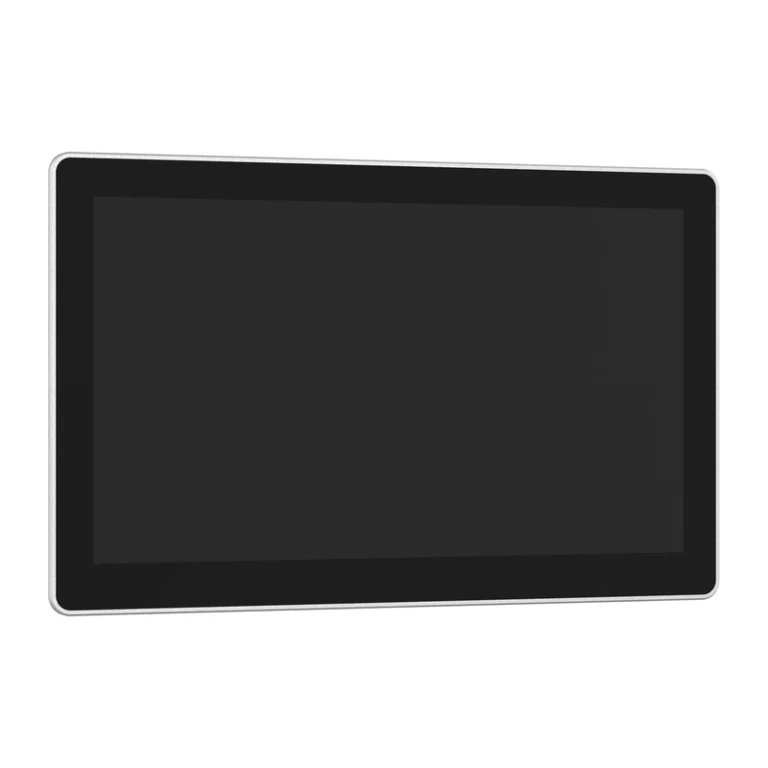
Product category
Windows Panel PC Industrial Panel PCs
A Windows industrial panel PC combines a Windows computer and touch screen. Start with the Windows version your equipment software needs. Then choose the processor, memory, device connections and mounting for that same setup.
Product finder
Find the right model
Browse models in Windows Panel PC and narrow the results using the filters.
NEED A DIFFERENT CONFIGURATION
Can't find the exact panel PC configuration you need?
For project requirements that go beyond the standard models shown above, discuss display, touch, I/O, CPU, mounting and other verified customization options with our team.
Simple buying guide
How to choose this category
Start with the Windows version
• Specify the Windows version and edition required by your app.
• The 12th-generation Core example lists Windows 10 and 11.
• Check device drivers, the software Windows uses to operate attached hardware.Choose for the combined workload
• Compare Celeron for basic screens; compare Core for heavier processing or several apps.
• RAM (working memory): include all programs open together.
• Storage must hold Windows, apps and records saved on the unit.Match connected devices
• List each scanner, printer, controller or camera.
• Match its USB, serial or network connection and Windows software support.Check the replacement fit
• Compare the opening, rear depth, cable space and power input.
• Check text and buttons using the actual Windows app layout.
Typical applications
Customer application examples
Machine monitoring
Run a supported HMI or monitoring app for status, alarms and operator input.Equipment workstations
Keep the PC software requirement fixed while comparing new screen-and-computer hardware.
Frequently Asked Questions
The 10.1-inch 12th-generation Core example lists Windows 10 and 11. Give the supplier the required Windows edition, the named system package, and app details. The hardware system list does not confirm every app or driver, the software used to operate a device.
The J1900 example lists Windows 7, along with 8.1 and 10. Use that as a model to discuss, and provide the old app and device details. The list does not prove compatibility with your old program or promise a support period.
Yes. Both the J1900 and 12th-generation Core examples list six serial ports, including two RS232/RS485 options. Serial ports exchange data with equipment. Match the required connection type, wiring and Windows device software for each device.
The J1900 and 12th-generation Core examples both list an HDMI display output. The J1900 example also lists VGA. Ask about the display mode you need; the port list alone does not define how multiple screens will work together.
RELATED RESOURCES: ARTICLES
Learn more before you choose
Continue with focused articles that answer the questions buyers and engineers need to resolve before model selection

Capacitive vs Resistive Touchscreen for Industrial Panel PCs: Which Works with Gloves, Water and Dirt?
Choosing an industrial panel PC touchscreen is not simply a contest between capacitive and resistive technology. The correct…
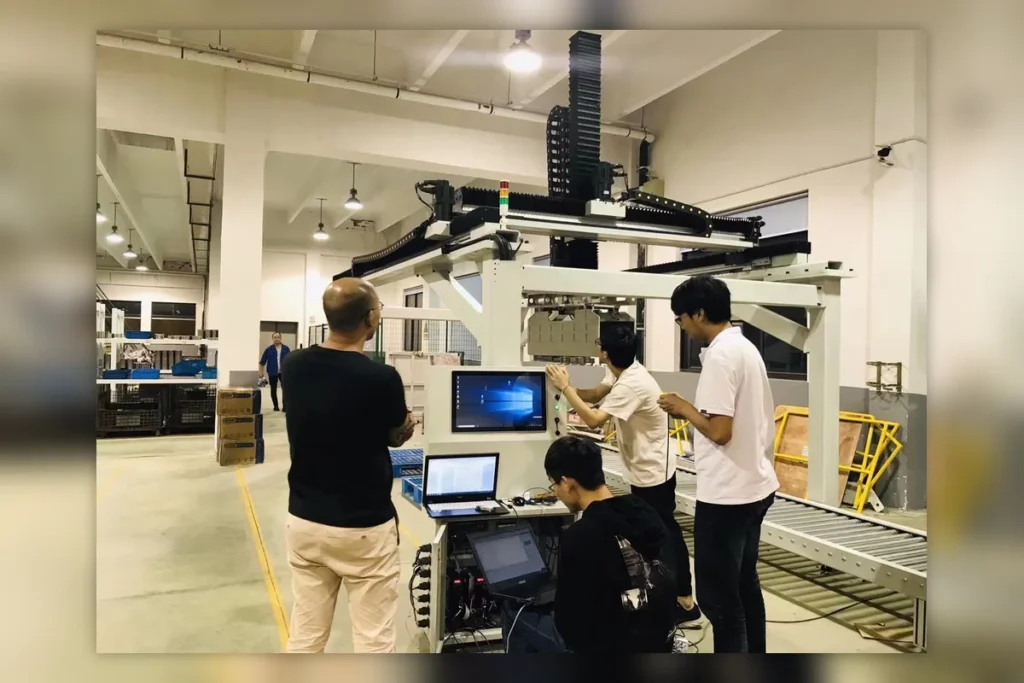
Tell us what your panel PC needs to do.
Share your application, installation, display, touch, software and I/O requirements. We can help you review a suitable configuration.
Hangzhou Dongtian Technology Co., Ltd.
Phone: +8615372596360
Email: business@sinsmarts.com
Address: 3F, Block A, Future Research & Innovation Park, Yuhang District, Hangzhou, Zhejiang, China
Email: business@sinsmarts.com
Address: 3F, Block A, Future Research & Innovation Park, Yuhang District, Hangzhou, Zhejiang, China
Project support
Display and touch selection · I/O configuration · Mounting review · OEM/ODM requirements
Display and touch selection · I/O configuration · Mounting review · OEM/ODM requirements